
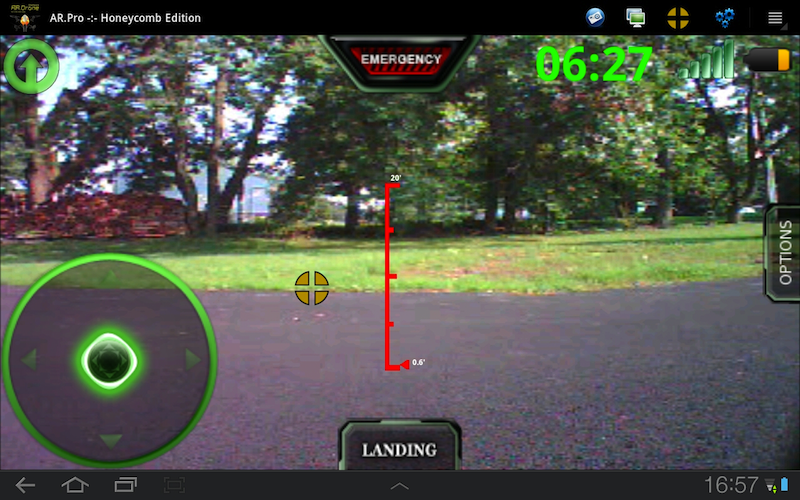
Honeycomb tablet users can now enjoy AR.Pro utilizng the native Honeycomb interface. The most commonly used AR.Pro functions are hosted on the system ActionBar and AR.Pro Preferences have been converted to use Honeycomb fragments. Additionally, AR.Drone notifications and error messages have been moved to the upper left hand corner of the Honeycomb System ActionBar. …
The highly anticipated AR.Drone firmware that ushers in official Android support from Parrot is finally here! Parrot 1.7.4 Firmware supported and upgradable with the AR.Pro Firmware Pack. Once installed you can select the target firmware in AR.Pro Preferences by tapping the Drone Firmware Version entry in Drone Information. Fixed Localization (affected DE & FR …
It is with great appreciation that I would like to share the work of one AR.Pro customer who took the time to develop an in-depth User Manual for AR.Pro. Gareth’s work can be found here: AR.Pro User Manual. Gareth, thank you for compiling this information for people. I’m sure many will find it useful! …
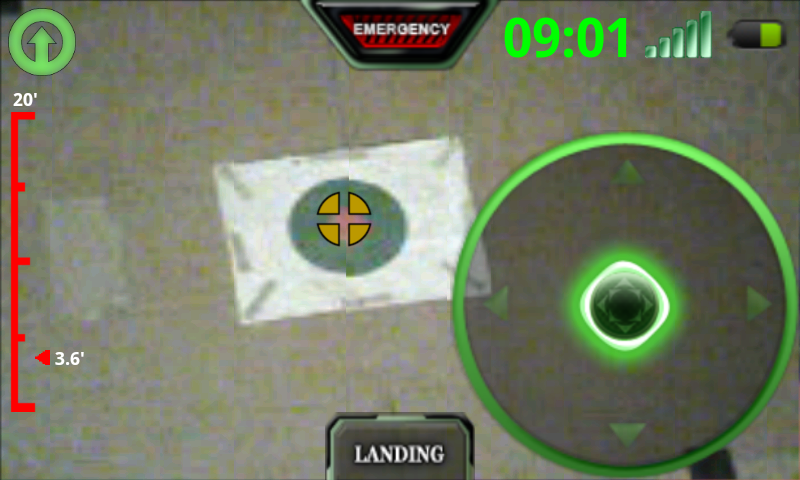
AR.Pro 1.20+ comes with a new detection and tracking feature that uses your AR.Drone’s downward facing camera to detect a “roundel” target and, when enabled, track it. Parrot has provided us a PNG file that you can print out with a color inkjet printer to utilize when wanting to do “roundel” detection. You …
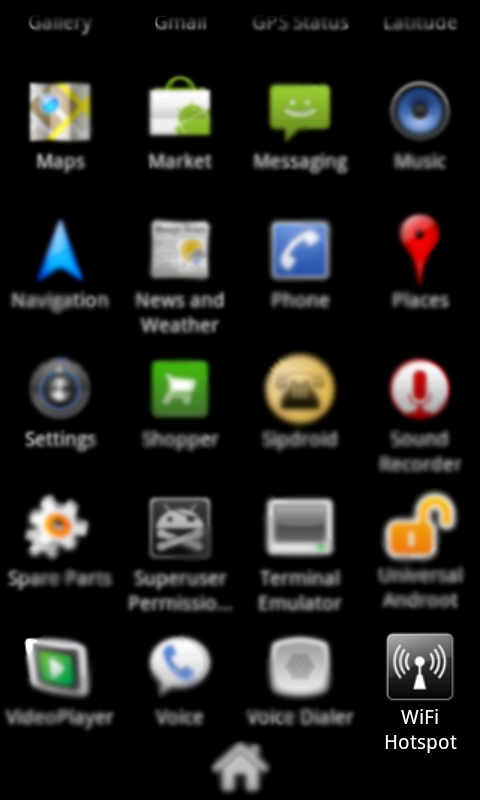
If you do not have a functional understanding of TCP/IP and wireless networking, please STOP NOW. Call that friend, coworker, family member, or geek down the road, that works part-time at your local computer store, and ask them to help you out. I do not use or support any third party applications that attempt to …
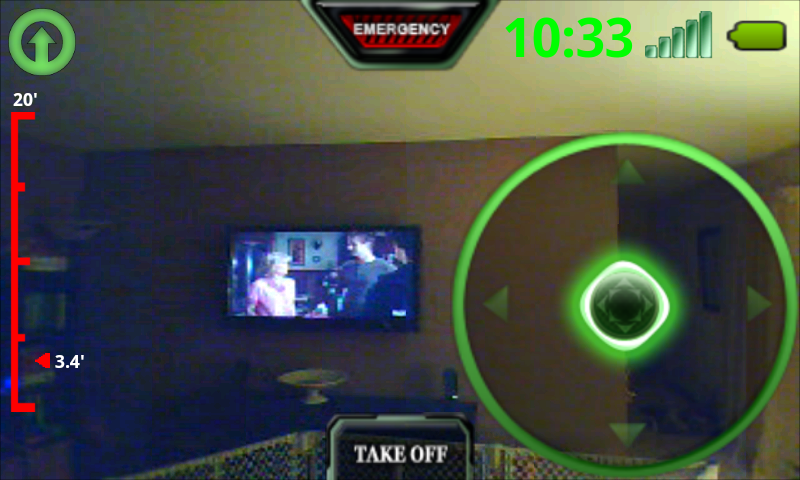
AR.Pro version 1.2 hit the Android Market 3/21/2011 and with it comes a couple new exciting features. Additionally, a lot of tuning has been happening behind the scenes in support of xLarge (Tablet) displays and sensors. The below snapshot illustrates the new Flight Counter and the Yaw Mixing toggle in its disabled state: Here you …

AR.Pro 1.1 was released on the Android Market tonight (3/11/2011). Here’s the rundown of the major changes: Full 1.5.1 firmware support Signal Strength Indicator Adaptive Video Support Optimized NAVDATA (less bandwidth) Audible Alarms * Drone Reboot * 1.4.7 & 1.5.1 firmware swap * Disabled back button exit Optimized threading for connecting Detection of Roundels from …
Listed below is what I believe to be the safest procedure for updating your firmware to the lastest version. There are a couple steps you should follow prior to performing a firmware upgrade. If you have the AR.Pro infrastructure patch installed: Disable Infrastructure Mode Uninstall the Infrastructure patch Perform a hard reset (underside reset …
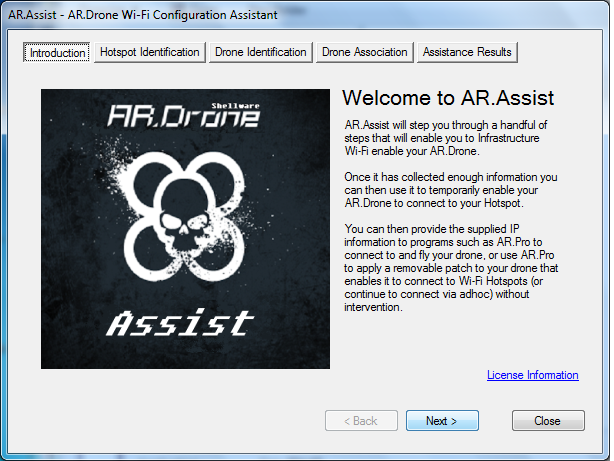
AR.Assist is an extremely easy to use Windows Wizard that steps you through the process of temporarily Infrastructure Wi-Fi enabling your AR.Drone. You can use AR.Assist on demand to configure your AR.Drone for Infrastructure mode on an as needed basis, or you can use AR.Assist as a jumpstart to apply the AR.Pro Infrastructure Patch to …
LAST UPDATED: August 21, 2011 Connection / Startup Problems In July of 2011 Parrot released an update to their ARDrone (firmware 1.7.4) that configures the ARDrone as a Wireless Access Point. This (default) configuration greatly simplifies the process for Android devices to connect to and control the drone. If you need help upgrading your drone’s …